QUOTE
In Image Ready you'll need to select 'Save optimized as...' and in Photoshop you'll need 'Save for web'
Yeah I did that now, and then uploaded it as my avatar...as you can see, still no animation.
Under "Save As Optimized", the only gif option is "Images Only (.gif),"
which is only one frame. Is there a specific setting that I have to use?
I have it under "default settings" right now..
EDIT: I just posted it on myspace, and the animation works there...
What could be the problem with it here then?
EDIT2: Crap, I just maxed my avatar-upload-frequency limit. It would be AWESOME if an admin could reset it for me. Yeah, I know
This post has been edited by Team Black: Nov 20 2006, 10:01 PM


 Animated avatars



 Oct 31 2006, 12:11 AM
 Core Defender








 ]
]















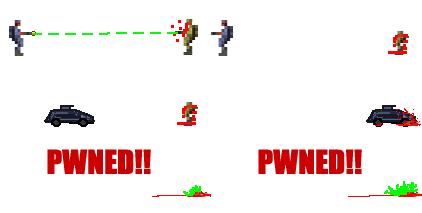
 (and use photoshop for the frames)