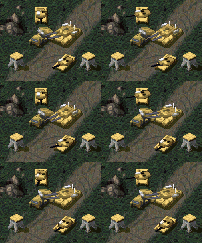
Multiplayer WIP, no name yet |
|
|
|||||||||||||||||||||||||||||||||||||||||||||||||||||||||

1 User(s) are reading this topic (1 Guests and 0 Anonymous Users)
0 Members:

|
|||||||||||||||||||||||||||||||||||||||||||||||||||||||||
|
|
|||||||||||||||||||||||||||||||||||||||||||||||||||||||||
|
|
||||||||||||||||||||||||||||||||||||||||||||||||||||||||||||
1 User(s) are reading this topic (1 Guests and 0 Anonymous Users)
0 Members:
|
||||||||||||||||||||||||||||||||||||||||||||||||||||||||||||
|
|
||||||||||||||||||||||||||||||||||||||||||||||||||||||||||||


 Mar 6 2010, 11:51 PM

 Commando